Monitoring Network Cabinet Equipment Layout
A well-planned network cabinet layout ensures organized, accessible, and efficiently cooled equipment while supporting effective monitoring and maintenance.
Key Principles of Network Cabinet Layout
Equipment Organization: Place heavier devices, such as servers, at the bottom of the cabinet to maintain stability, while lighter devices like switches and patch panels can be mounted higher. Group similar equipment together to simplify monitoring and maintenance, and ensure that critical devices are easily accessible for troubleshooting or upgrades . Rack Units and Sizing: Network cabinets are typically measured in rack units (U), with standard widths of 19 inches. Determine the total number of rack units required based on your equipment and future expansion needs. Proper sizing ensures adequate space for airflow, cabling, and cooling solutions . Grounding and Safety: Connect each device's ground point to the cabinet ground point using the provided grounding cable. If a cabinet ground bar is available, connect devices to it to meet special grounding requirements. This prevents electrical hazards and ensures safe operation . Cooling and Airflow: Maintain sufficient spacing between devices to allow airflow. High-performance equipment generates heat, so consider in-rack cooling solutions or blanking panels to direct airflow efficiently. Proper cooling prevents overheating and prolongs equipment life . Cable Management: Separate power and network cables to reduce electromagnetic interference. Use cable management bars, Velcro straps, or trays to keep cables organized and prevent tangling. A tidy cabling system simplifies monitoring and reduces downtime during maintenance .
Planning and Visualization
Rack Diagrams: Use rack diagram tools to plan your cabinet layout before installation. Tools like EdrawMax or PATCHBOX Rack Planner allow you to visualize equipment placement, plan cabling, and optimize space. This helps prevent errors, ensures proper cooling, and allows for easy future upgrades . Monitoring Considerations: Position monitoring devices, such as environmental sensors or network management modules, in accessible locations. Ensure that monitoring cables are routed neatly and do not obstruct airflow or access to other equipment .
Summary
A properly designed network cabinet layout balances organization, safety, cooling, and accessibility. By planning equipment placement, grounding, airflow, and cabling, and using rack diagram tools, IT teams can maintain efficient operations, simplify monitoring, and reduce maintenance challenges .
 Factory
 Equipment Layout in the Network Cabinet
Determine the installation plan based on the configurations. Figure 14-1 shows the installation positions for certain monitoring devices
 Factory
 How to Plan A Server Rack Installation | Cabinet Layout Guide | Home
A guide to planning a server rack installation and cabinet layout including cabling, cooling, power and monitoring
 Factory
 Network Cabinet: Complete Guide for the Best Choice
Equipment Layout: Create a layout with all the equipment to be mounted in the cabinet, including dimensions (height,
 Factory
 Network Cabinet & Rack-Management Best Practices | ACCL
Network Cabinet & Rack-Management Best Practices Tiny rooms, huge consequences A network cabinet looks innocuous: a black
 Factory
 Create a rack diagram with the best FREE Network Rack Planner
Creating a rack diagram is an important step to having sustainable good cable management in the network cabinet. Rack Elevation
 Factory
 Network Cabinet & Rack-Management Best Practices | ACCL
A network cabinet looks innocuous: a black steel box humming in an alcove behind reception. Yet the switches, patch panels and
 Factory
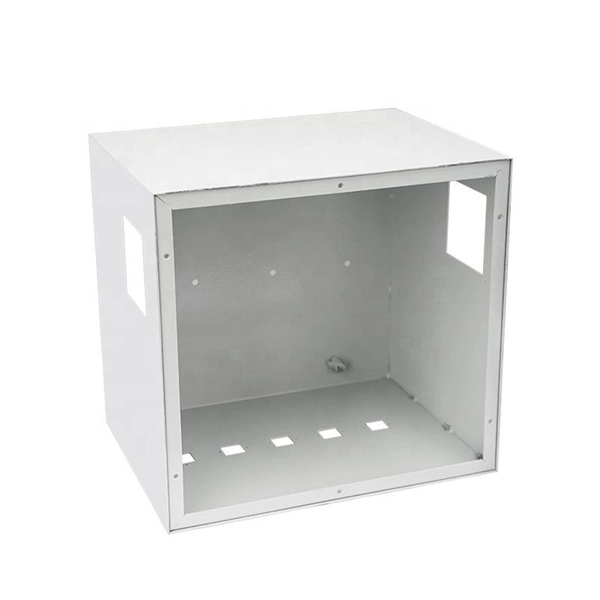
 Network cabinet design considerations
Sometimes, a network cabinet not only includes server equipment but also computer equipment, such as keyboards and monitors.
Factory Rack/cabinet monitoring over LAN and LTE | HW-group
Based on HW group''s customers experience, we propose a recommended rack monitoring solution for small and large racks. Let''s
 Factory
 Server Rack Layout Best Practices — Data Room Equipment Planning
How to plan a server rack installation in your data center? 🔥 Best practices for network cabinet arrangement ⚡️ Learn some Expert
 Factory
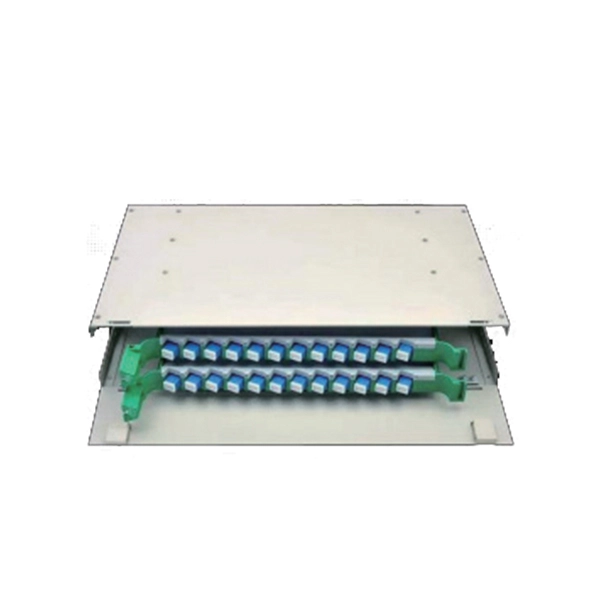
 Ultimate Monitoring Cabinet Drawing Access
This comprehensive drawing details a wall-mountable cabinet that integrates standard 19-inch rack mounts for your
 Factory
 Rack Diagram Templates
FREE Online Rack Diagram templates and examples. Draw professional Rack Diagram with online Rack Diagram maker. Sign up to
 Factory
 Network & Server Rack Setup Best Practices | Enconnex
Learn network and server rack setup best practices. Get tips for how to setup a server or network rack, how to layout
 Factory
 7 steps for organizing your server rack space
7 steps for organizing your server rack space In this article we talk about proper placement of equipment in a rack, in
 Factory
 The Gear Page
Join a vibrant community of musicians and gear enthusiasts discussing instruments, effects, setups, and more on The Gear Page
 Factory
 Rack Diagram
Creating a rack diagram can help you plan and organize your equipment in an optimal fashion. SmartDraw has a number of rack
 Factory
 The Essential Guide to Network Cabinet Systems: Everything You
By selecting the right system, planning your installation carefully, implementing effective cable management practices,
 Factory
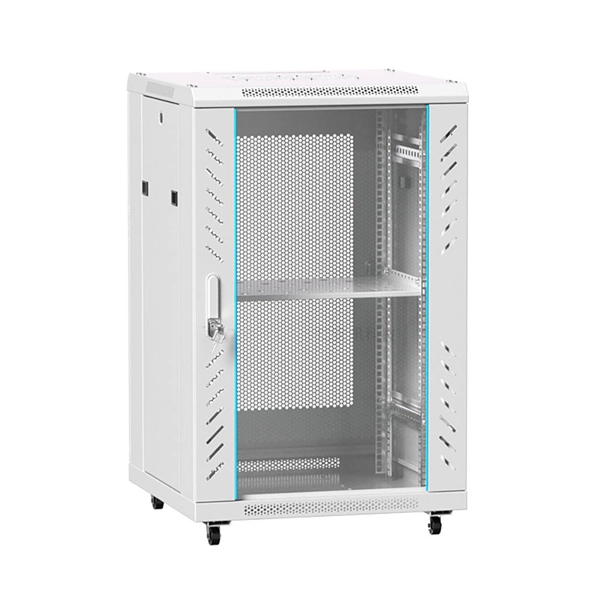
 Rack Diagram Complete Guide
There are multiple types of monitoring components. Make installation plans based on the configurations. Figure 3-1 shows the
 Factory
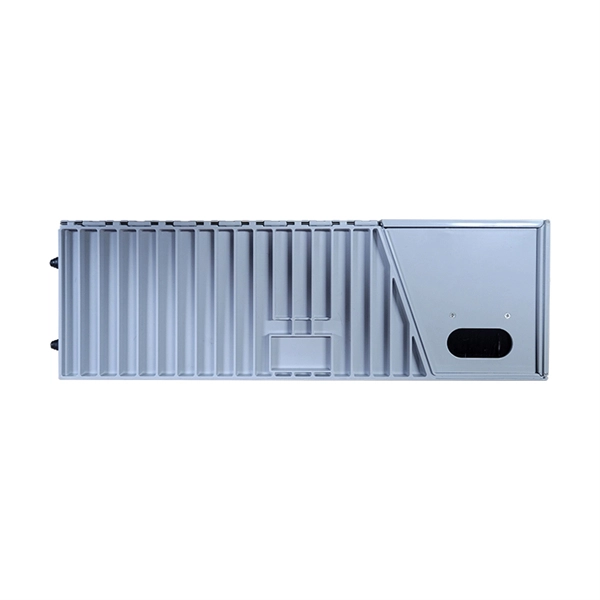
 Rack Diagram Complete Guide
Are you interested in creating a rack diagram? Learn everything you need to know about server rack diagrams in this rack diagram
 Factory
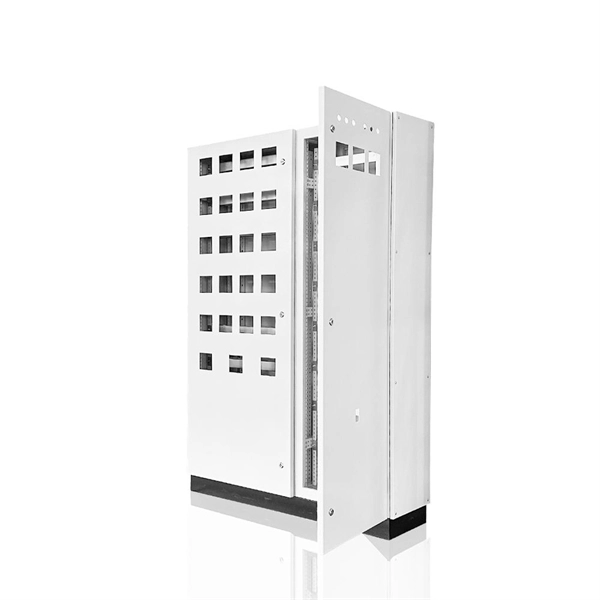
 Remote Server Rack Cabinet Monitoring Over LAN and LTE
Remote Server Rack Cabinet Monitoring Over LAN and LTE Communications Networks For environmental monitoring
 Factory
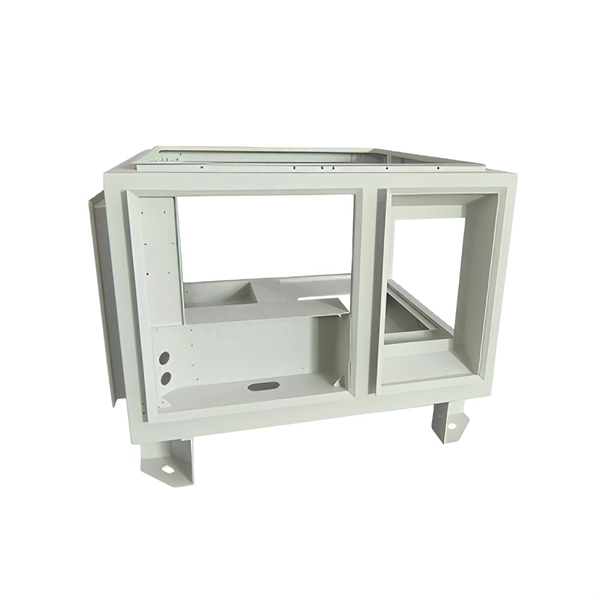
 Network Rack Diagrams 101
A network rack diagram helps in designing and documenting a rack of network equipment. This means you place and
 Factory
 Network Cabinet Design: A Guide for Engineers and Architects
In today''s interconnected world, the network closet has become a critical component in both sprawling data centers
 Factory
 Server Cabinet Layout: Designing for Performance and Accessibility
Sysracks has a vertical mount server rack that is a wise investment since it optimizes the arrangement of the equipment and can be
 Factory
 Rack Diagram Software
Installing equipment in a server rack without prior planning can be problematic since you may not have enough space for the